

Solid State Drives
What are solid state drives and why they matter
Solid state drives are data storage devices that use flash memory to store information rather than moving parts. Compared to traditional hard disk drives solid state drives deliver faster boot times quicker file access and more reliable operation. For anyone building a new desktop laptop or workstation solid state drives are now a core component that impacts overall system speed and user experience.
How solid state drives work
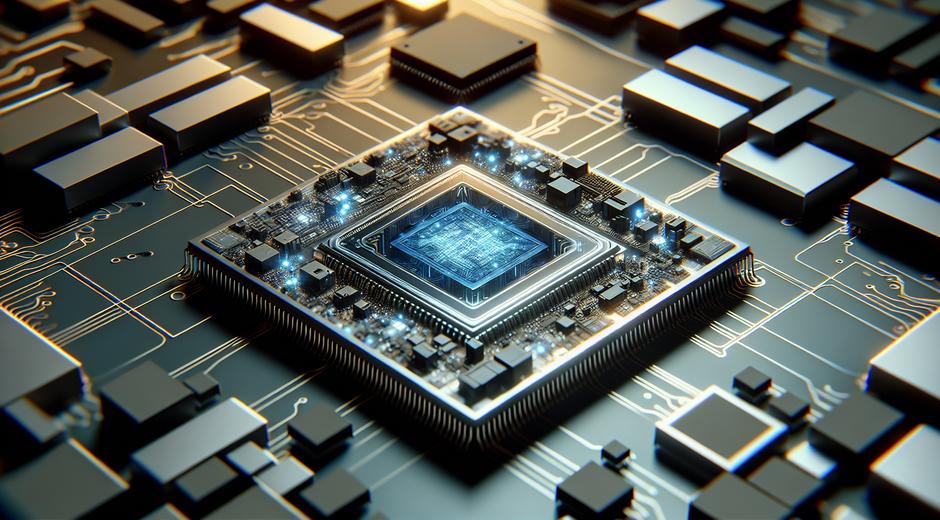
At the core a solid state drive stores data in NAND flash memory cells. When a file is written the drive assigns blocks of memory and uses a controller to manage read and write operations. Modern controllers handle wear leveling error correction and garbage collection to maximize performance and lifespan. Interface types such as SATA NVMe and PCIe determine how quickly data moves between the drive and the rest of the system.
Key benefits of solid state drives
Solid state drives bring several benefits that matter for everyday users professionals and gamers alike. The most visible advantage is speed. A system with a solid state drive launches applications and opens files in a fraction of the time required by a traditional spinning disk. Reliability is another major benefit. With no moving parts a solid state drive resists shocks and vibrations making it ideal for portable machines. Solid state drives also run quieter and consume less power which helps battery life on mobile devices.
Types and interfaces to consider
When shopping for a solid state drive you will encounter multiple form factors and interface standards. SATA drives use the same connectors as older hard disks and deliver a reliable upgrade path for many systems. NVMe drives connect via PCIe lanes and unlock much higher throughput and lower latency. M two drives are compact modules often found in laptops and compact desktops. Each option targets a different balance of price capacity and speed so choose the one that matches your workload and budget.
Capacity and performance trade offs
Solid state drives come in capacities ranging from modest sizes suitable for system drives to large drives that can store extensive media libraries. Smaller drives often offer better price per capacity for certain use cases but may have different performance characteristics. For example some controllers deliver faster sustained write speeds on larger capacity models. Read and write performance along with random input output metrics are important when you plan to run demanding software or multitask heavily.
Endurance and lifespan
Flash memory wears out with repeated write cycles. Drive manufacturers rate endurance using units such as total bytes written and provide estimates of expected life for typical workloads. For most consumer use cases modern solid state drives last many years before showing any signs of wear. Enterprise grade models offer higher endurance for server storage and heavy write environments. Regular backups remain essential even when using highly reliable solid state drives.
Choosing the right solid state drive for your needs
Start by defining your performance requirements and budget. If you need a quick system boost a SATA solid state drive will deliver a dramatic improvement over old style hard disks at a reasonable price. If you are editing video working with large databases or running virtual machines consider an NVMe drive for its superior throughput. Laptop users should pay attention to physical size connector compatibility and power characteristics. Reading independent reviews and manufacturer specifications helps you compare real world performance.
Installation and optimization tips
Installing a solid state drive is straightforward for most users. For desktops a drive can be mounted in a drive bay or slot and connected via the appropriate interface. Laptops may require a panel removal to access the M two slot or drive bay. After installation it is important to set up the operating system to maximize drive longevity and speed. Enable the appropriate controller drivers and check that the operating system recognizes the drive. Do not disable file system features that the drive depends on for performance and endurance. Periodic firmware updates from the drive maker can also improve stability and speed.
Backup strategies and data safety
Even though solid state drives are more robust than older spinning disks they are not immune to failure. Implement a reliable backup plan that includes off site or cloud copies of important data. Use imaging tools to create system snapshots before major updates. For mission critical data consider redundant arrays and regular integrity checks. A solid state drive will reduce downtime and offer faster recovery times but complementing it with a solid backup strategy is essential for data protection.
Cost considerations and making the investment pay off
Solid state drives cost more per gigabyte than some traditional storage options but prices have declined steadily making them accessible for many projects. When evaluating cost keep in mind the productivity gains from faster workflows reduced maintenance and the potential energy savings for always on systems. For business deployments the reduced downtime and improved responsiveness often justify the upgrade. For home users a solid state drive can make an older machine feel new again with minimal investment.
Environmental and energy impacts
Because solid state drives consume less power and have longer useful life in many scenarios they present a more sustainable choice for some deployments. Lower power draw translates to reduced cooling needs and smaller energy bills for systems that run around the clock. When recycling old drives follow best practices to remove sensitive data and use certified recycling channels. If you want to learn about eco friendly computing choices and related products visit BioNatureVista.com for more resources and guides on green tech and maintenance.
Future trends for solid state drives
Innovation in solid state drives continues at pace. Newer flash memory types improved controller algorithms and denser packaging will drive capacity increases and cost reductions. Advances in interface technology promise even lower latency and greater parallelism enabling demanding workloads to run faster. As these trends continue consumers will see better performance per dollar and wider adoption across devices from mobile gadgets to cloud servers. For ongoing reviews guides and deep dives into hardware visit our main hub at techtazz.com where we cover the latest developments and hands on testing.
Conclusion
Solid state drives represent one of the most impactful upgrades you can make to improve system speed reliability and efficiency. By understanding types interfaces endurance and installation practices you can select the right drive for your needs. Whether you are a casual user a creative professional or an IT manager solid state drives will shape performance for years to come. Keep backups stay informed about firmware updates and choose a model that balances capacity price and endurance to get the most value from your investment.